ToddlerLock - A Safe Pretend iPhone Game for Toddlers
A simple, toddler-friendly phone game that looks real - but keeps your real apps, messages, and photos safe.
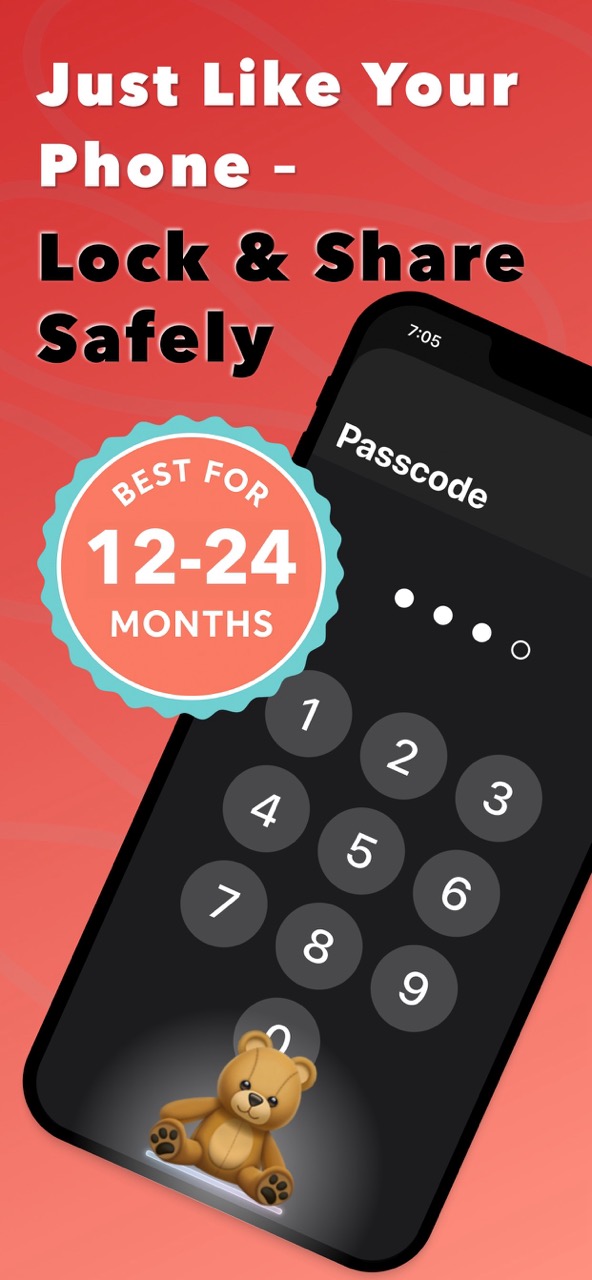
Kids can tap and swipe like grown-ups - but nothing real can be opened, deleted, or changed. It's a playful, safe phone experience for little hands.Designed for ages 1–2.

Available on the App Store
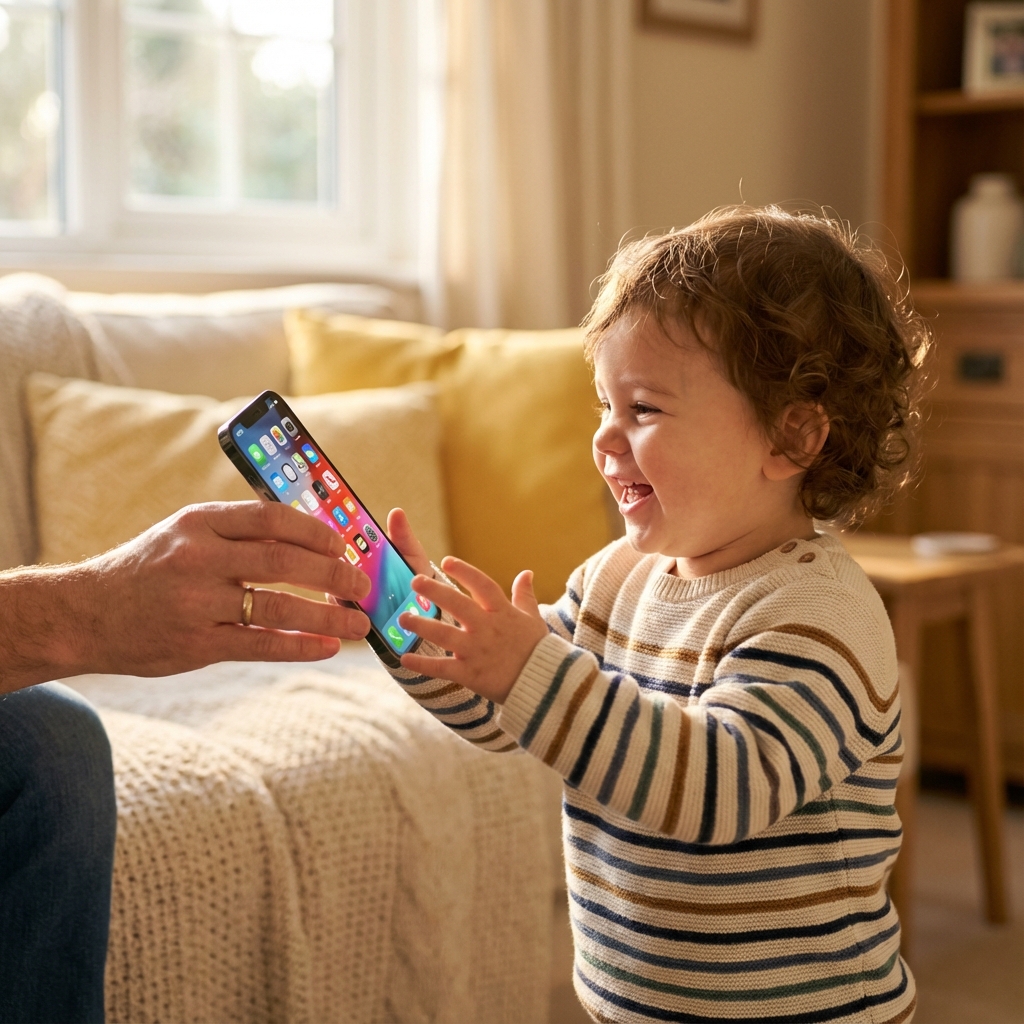
Finally, a Phone Experience Toddlers Actually Love — Without the Risks
Parents know the struggle: toddlers don’t want baby games — they want your phone.
ToddlerLock gives them the familiar iPhone feel they crave, but in a completely safe, pretend Home Screen designed for worry-free tapping.
Why Toddler Lock Works for Ages 1–2
Toddlers prefer interfaces they recognize
Kids ages 1–2 naturally gravitate to:
- Familiar gestures
- Simple icons
- Copying adult behavior
Traditional baby apps fail because they:
- Require instructions
- Include levels or tasks
- Need fine motor skills
- Aren’t designed for pre-readers
ToddlerLock fixes this by recreating a simple, safe version of the interface they already love most — the iPhone Home Screen.
What Is Toddler Lock?
ToddlerLock creates a safe, infinite, pretend iPhone Home Screen filled with tappable icons and playful interactions. Every app is a fake one. Every tap is harmless. Nothing on your real device can be changed, deleted, or opened — ever.
Perfect for those quick “I just need a minute” moments
Tap to download
Key Features
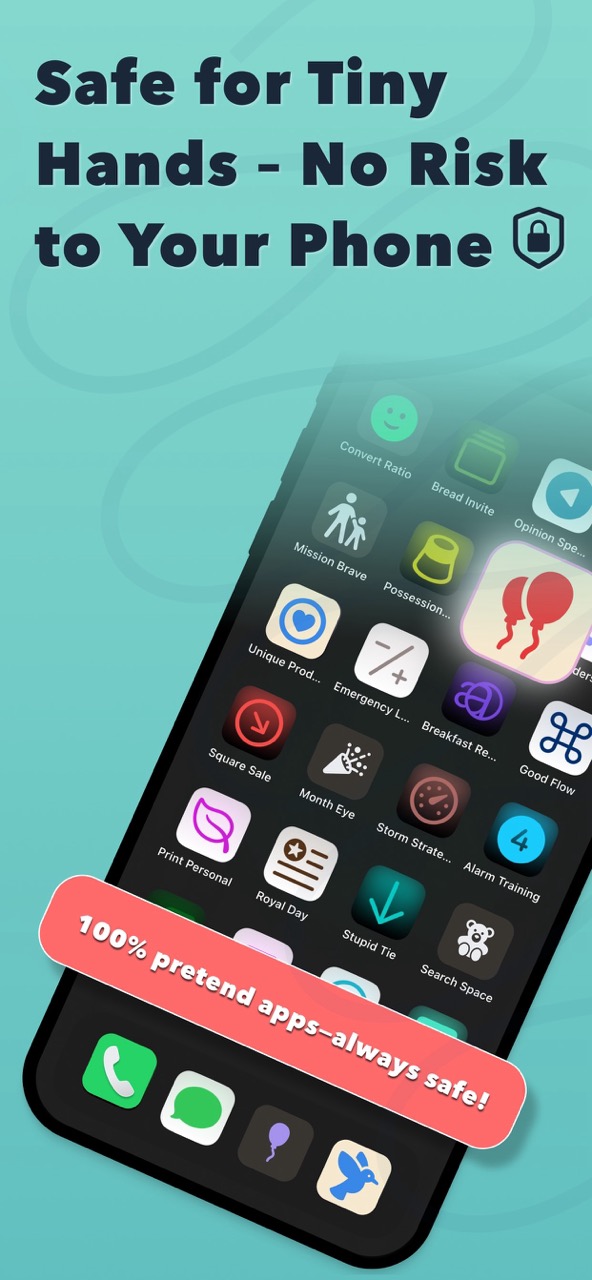
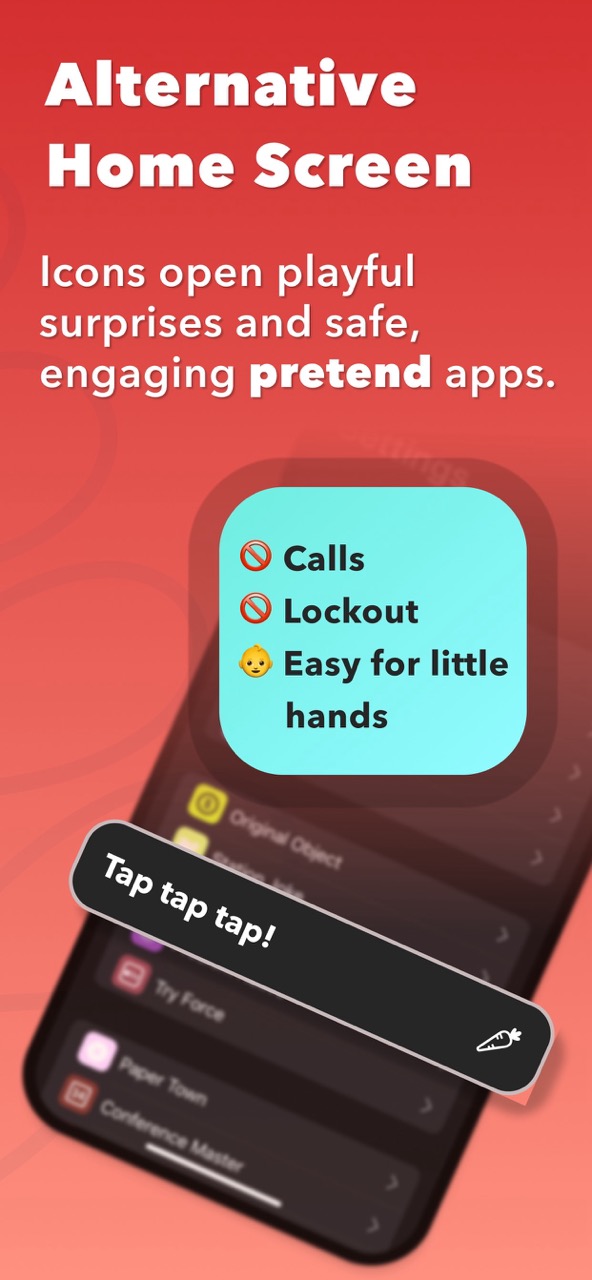
Endless Pretend iPhone Home Screen
A realistic Home Screen that looks just like your real device — but is 100% safe.
Pretend Apps That Feel Real
Every icon opens a simple, toddler-friendly interaction with gentle animations and sounds.
Zero Risk for Parents
Prevents toddlers from calling anyone, deleting apps, or accessing your private data.
Works with Guided Access
For maximum safety: Open ToddlerLock → enable Guided Access → relax.
Safe Games & Sounds
Includes simple effects like bubble pops and gentle tones. Perfect for toddlers.
Absolutely No Ads
No ads. No links. No WiFi required. Just quiet, safe, offline play.
Why Parents Love Toddler Lock
Parents say it’s the best toddler distraction app
“My toddler finally leaves my real phone alone.”
— Sarah M.
“Perfect when I need just 5 quiet minutes.”
— Jessica T.
“Safer than YouTube. Safer than regular apps.”
— Mike R.
“The only thing my 1-year-old actually stays engaged with.”
— Emily K.
Who Toddler Lock Is For
No accidental calls. No deleted data. No stress.
How Toddler Lock Works
Open ToddlerLock
Your toddler sees an endless pretend Home Screen.
Enable Guided Access
(Recommended) Locks the screen for maximum protection.
Hand it to your toddler
They tap happily — and nothing risky happens.
Why Toddler Lock Is Better
| Feature | ToddlerLock | Baby Games | YouTube Kids |
|---|---|---|---|
| Realistic iPhone interface | |||
| Works for ages 1–2 | |||
| No instructions needed | |||
| Safe tapping | |||
| No ads or distractions | |||
| Great for quick moments |
Benefits for Parents
FAQ
Is ToddlerLock safe for toddlers?
Yes. It uses a fake Home Screen with zero access to your real apps or data.
Does ToddlerLock replace Guided Access?
No. It works best with Guided Access enabled.
Is this better than baby games?
For ages 1–2, yes. Toddlers prefer familiar icons and tapping over instructions.
Does it work offline?
Yes — everything is fully offline.
Will my toddler exit the app?
Not with Guided Access enabled.