
Digital Safety
Why Your Toddler Wants Your Phone: A Parent-Builder’s Story
Why toddlers reach for your phone, screen-free alternatives, and a practical handoff checklist from the parent who built ToddlerLock.
6 min readPublished
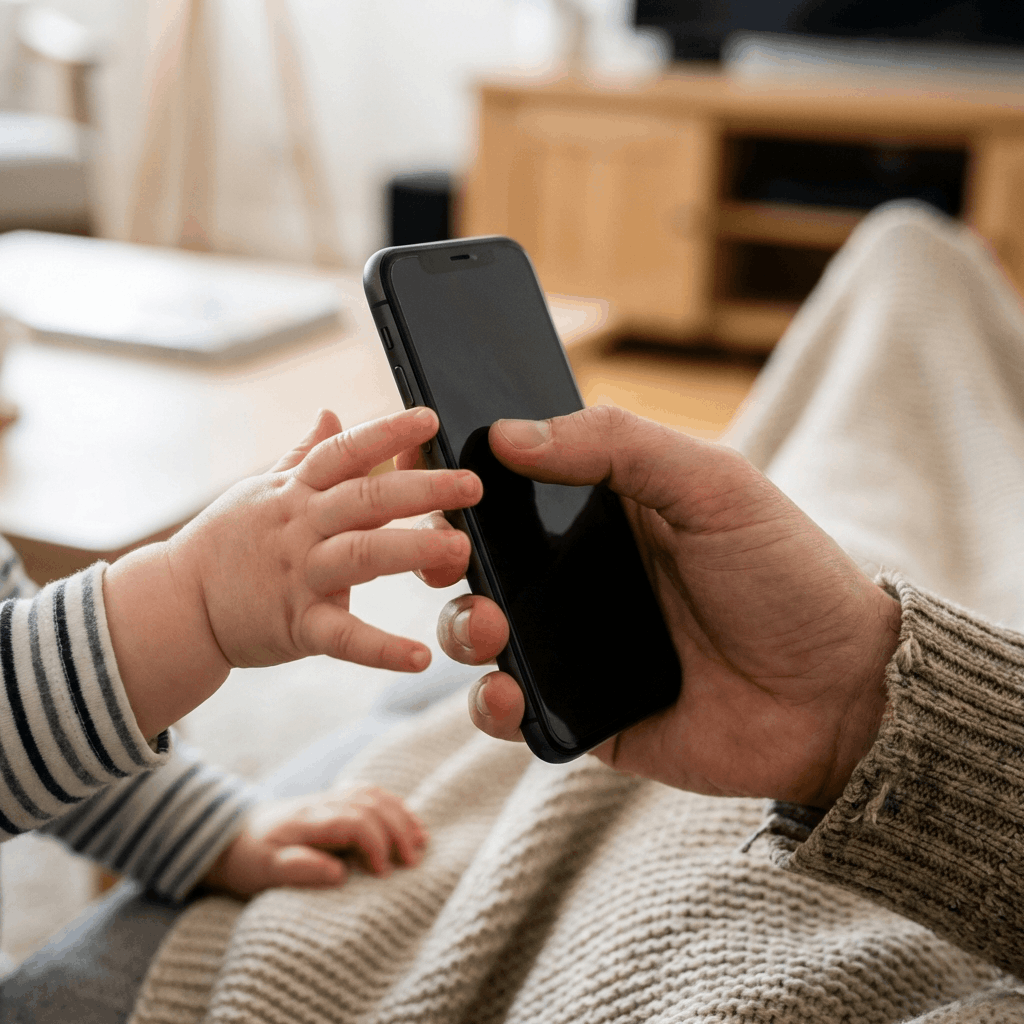
My son Leo wanted the phone I actually used. A toy phone did not offer the same home screen or the same swiping motions he watched me make. That small, familiar parenting problem became the starting point for ToddlerLock: a pretend home screen inside an app, designed around the tapping and exploring that interested him.
This is the story behind that design, alongside a practical way to decide whether to hand over a device at all. I am the app’s developer and a parent, not a pediatric clinician. My experience with Leo explains what I chose to build; it does not establish that an app improves attention, prevents tantrums, or is suitable for every toddler.
Why the real phone is so interesting
Think about what a toddler sees: you pick up a small object, touch it, and something happens. Sometimes a familiar face appears. Sometimes you laugh, speak, or turn the screen toward another person. Even without understanding messages or calendars, a child can see that this object matters to you. It is reasonable to treat their interest as curiosity about your everyday actions.
That distinction changes the response. You do not have to find a more exciting app to compete with your phone. You can invite the child into the action: pretend to call a grandparent with a toy, draw a shopping list together, or put your phone away and let them show you what they were trying to share. The goal is connection, not a convincing digital substitute every time.
Try the screen-free version first
For a child who wants to copy a call, offer a sturdy age-appropriate toy phone and take turns talking. For a child fascinated by family photographs, try a small printed album. If the attraction is tapping, large buttons on a suitable toy or a simple turn-taking clapping game may meet that interest without a screen. Choose objects suitable for your child’s age and supervise their use.
Avoid handing over a broken phone as if it were a harmless toy. Old devices can have damaged glass, loose parts, or battery problems. A purpose-made toy is a better choice for mouthing and rough handling. Also notice whether the request is really for your attention: a few minutes on the floor together may be more useful than finding something to occupy them.
Put age and context before the app
The American Academy of Pediatrics’ guidance for infants and toddlers advises avoiding screen media before 18 months apart from video chatting. When introducing media at 18–24 months, choose high-quality content and use it together. A familiar-looking interface does not create an exception to that guidance.
Ask what the session would replace. A phone should not displace sleep, movement, conversation, or a chance to explore physical objects. If your child is already tired or upset, consider responding to that need first. And if your family chooses no apps at this age, nothing about a toddler’s interest in your phone means you are withholding an essential learning experience.
What I wanted the pretend home screen to do
The starting point was narrow: let Leo explore a familiar arrangement of icons without putting my actual home screen in his hands. Inside ToddlerLock, the pretend interface is the activity. It is not a replacement for the phone’s operating system, and it does not secure the rest of the device on its own.
That separation matters. The app supplies the play environment; Apple’s Guided Access supplies the single-app restriction. A parent still chooses when to begin, checks the settings, stays nearby, and ends the session. I describe the intended experience as simple and predictable, but I do not promise that its visual style will change a child’s brain or guarantee an easy handover.
A practical check before handing over your iPhone
Do the setup while the phone is still in your hands. Open the exact activity you intend to use and follow Apple’s Guided Access instructions. Set a passcode your child does not know. Start a session and try the gestures that would normally leave the app. Practice ending it before you rely on it during a busy moment.
Then check the physical situation. Keep the phone away from water and charging cables, set a comfortable volume, and stay close enough to respond. Decide where the phone will go afterward. A clear endpoint such as one shared activity is easier to explain than handing over the device indefinitely and improvising a rule when you need it back.
- Choose and preview one activity.
- Start Guided Access and test the exit gestures.
- Keep the passcode private and practice ending the session.
- Stay nearby and plan a screen-free next activity.
Plan the ending, not just the start
A toddler can be disappointed when any enjoyable activity ends. Try a short, concrete cue: “One more tap, then the phone goes here.” Follow it with something visible, such as a book already beside you or blocks on the floor. Acknowledge the disappointment without turning the handover into an argument about whether they have been good.
If sessions repeatedly end badly, change the routine rather than assume the child needs to practice using the app. Try a different time, a shorter shared activity, or a break from screens. Our guide to screen-time transitions helps you look at context without attributing every difficult moment to a dopamine crash.
What families should expect from this project
I built a tool in response to a real inconvenience in our family, and I want parents to be able to understand that tool before trying it. The Guided Access video walkthrough shows the separate device setup. Read it even if you use another app; the restriction is an Apple feature, not an exclusive benefit of mine.
The useful question is not whether every toddler should have a pretend home screen. It is whether this particular activity fits your child, your boundaries, and the moment. Sometimes the right answer is a short shared session. Sometimes it is a toy phone, a printed photograph, or putting your own phone away. All of those answers fit the reason this blog exists: helping parents make deliberate choices.
Frequently asked questions
Does my toddler need an app because they want my phone?
No. Interest in your phone can be met with shared attention, pretend play, or a printed photo album. Phone curiosity is not evidence that an app is needed for development.
Does ToddlerLock lock the iPhone by itself?
No. The app provides a pretend home screen. Start Apple’s Guided Access separately to restrict the iPhone to that app, and test the session before handing it over.
Will a pretend home screen prevent screen-time tantrums?
There is no guarantee. Timing, tiredness, expectations, and the transition itself all matter. Change or stop the routine if it regularly leaves your child distressed.
Trusted references
Sources Worth Keeping Handy
I link to official support pages and reputable parenting or health resources when they help parents verify the safety steps behind the article.
Read next
Related Toddler Tech Guides

Share this article