Made for little hands
A little world.
All their own.
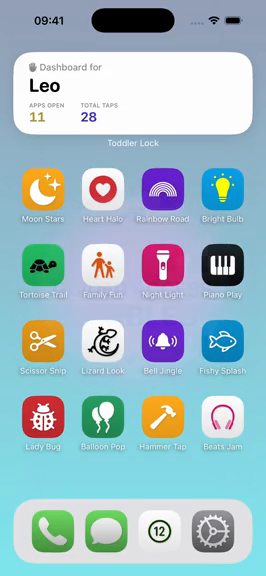
Their very own pretend iPhone. Familiar icons, playful little discoveries, and none of your real messages or apps inside.

Pair with Apple’s Guided Access for single-app play.
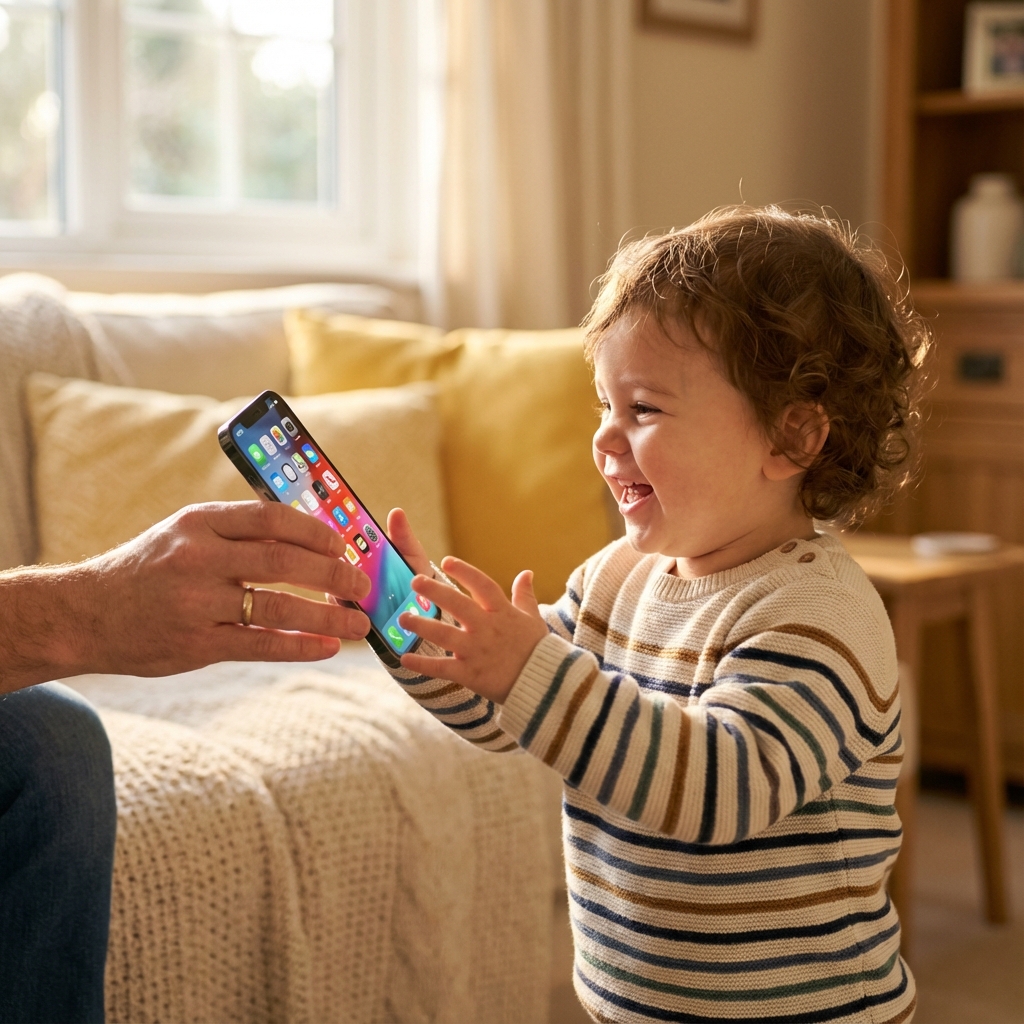
A different kind of play.
A closer look
Looks like your phone.
Made for their curiosity.
A little pretend play, thoughtfully contained. Real app screens, so you know exactly what you’re handing over.
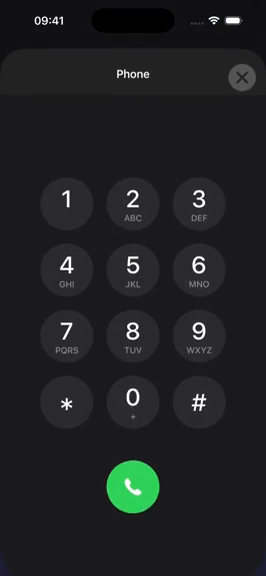
A familiar little world
A pretend home screen that invites the taps and swipes they see you make.
Small discoveries
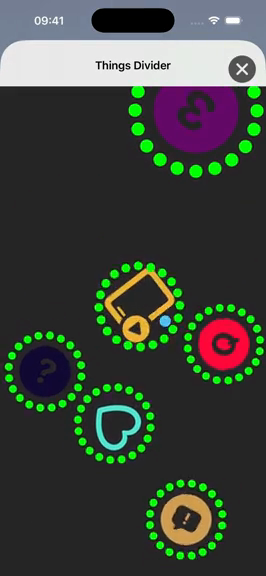
Simple interactions, playful sounds, and room to explore at their own pace.
Play without the feed
No advertising or endless video recommendations. The play experience works offline.
You set the boundaries
Use Apple’s Guided Access to keep the device in one app, and stay nearby as they play.
A moment of setup
The play is pretend.
The boundaries are real.
ToddlerLock provides the play space. Apple’s Guided Access keeps your iPhone inside it. They work together.
Watch the setup guideGuided Access is built into your iPhone. Test the lock before handing over your device.
- 01
Open ToddlerLock
Choose the pretend home-screen experience and set a comfortable volume.
- 02
Start Guided Access
Enable it in Accessibility settings, set your passcode, then start a session inside the app.
- 03
Explore together
Stay close, keep the session brief, and have a screen-free activity ready for afterward.
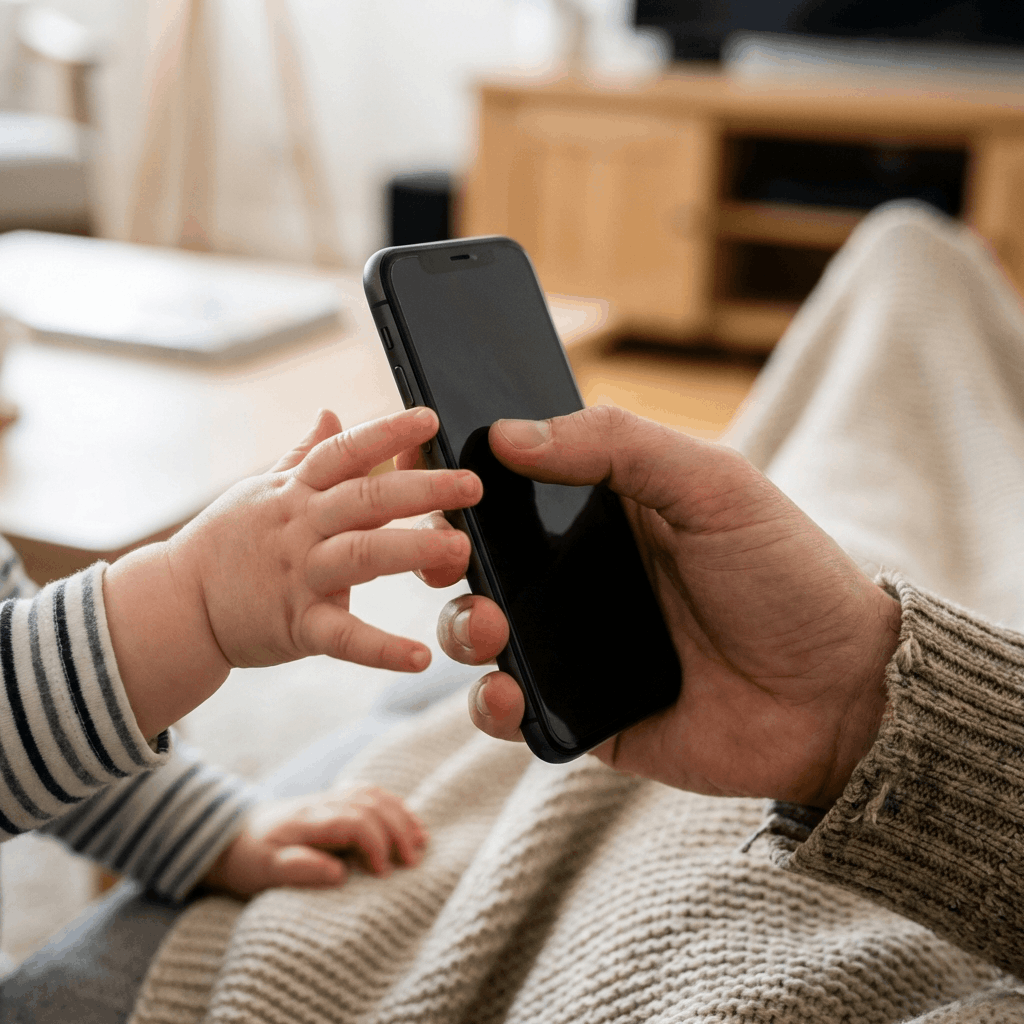 Small beginnings. Thoughtful design.
A note from the founder
It started with
“Can I have your phone?”
My son Leo didn’t want a toy phone. He wanted to tap and swipe like I did. So I built a little pretend world for that very real curiosity.
ToddlerLock isn’t a substitute for time together. It’s a simple tool for the moments when you choose to share a screen.
Meet the parent behind the appSee it in motion
A little preview of play.
Toddler Tech Talk
Thoughtful reads.
For real parent life.

Guided Access
How to Lock Your iPhone for a Toddler
A practical Guided Access walkthrough for parents who want the phone to stay inside one safe app.
Read the story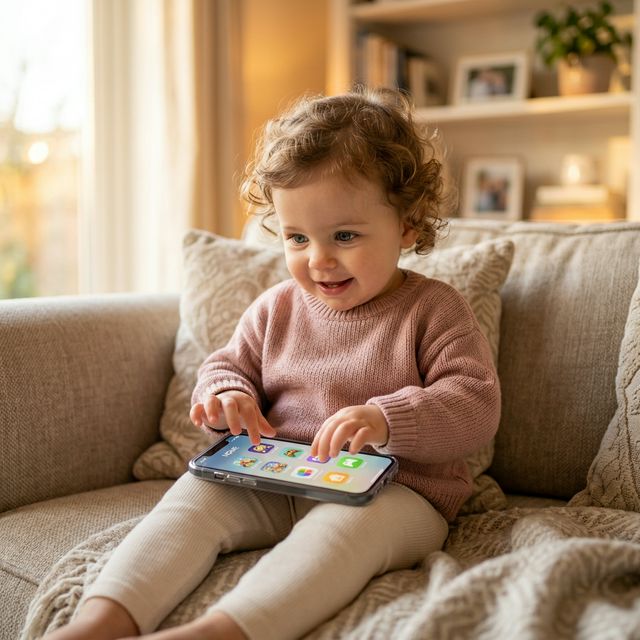
iPhone Safety
Best Toddler Lock App for iPhone
What to look for in a toddler-safe iPhone app: no ads, no exits, calm play, and tiny-hand-friendly taps.
Read the storyFounder Story
Why Toddlers Want Your Real Phone
The founder story, screen-free alternatives, and practical checks before handing over your iPhone.
Read the storyIs this my real iPhone home screen?
No. ToddlerLock is a pretend home screen inside an app. Its icons do not open your real messages, photos, or other apps.
Do I still need Guided Access?
Yes. Start Apple’s Guided Access separately to restrict the device to ToddlerLock. Practice starting and ending a session before handing over your phone.
Does it work without Wi-Fi?
The play experience works offline, so you can use it without a video feed or an internet connection. Download and set up the app beforehand.
Who is it designed for?
The simple interactions are designed with little hands in mind, including ages 1–2. Suitability depends on your child and your family’s approach to media. Use it together, keep sessions brief, and follow age-appropriate screen-time guidance.
Where can I get help?
Visit our Support page to contact us on Facebook. For help setting up the single-app lock, the Guided Access video walks through the process.