Toddler Tech Talk
Best Toddler Lock App for iPhone 2026: A Parent's Guide to Safe Play
Discover how to turn your iPhone into a safe, toddler-proof play zone. Learn about the ToddlerLock app features, Guided Access, and sensory play for 12–24 month olds.
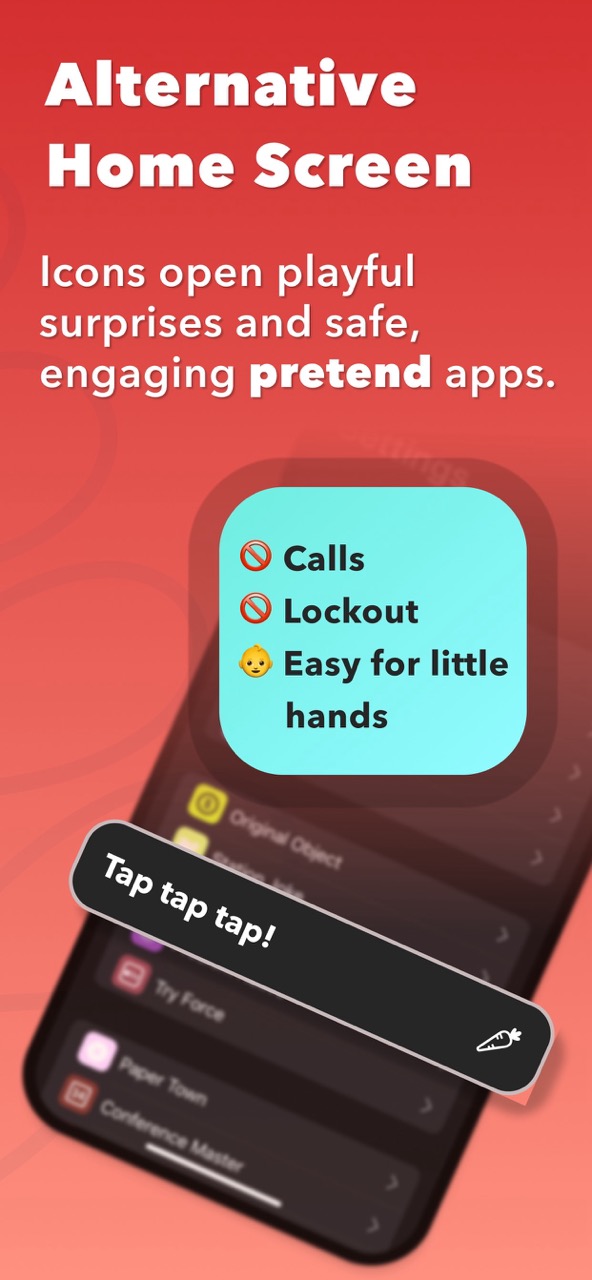
App preview
ToddlerLock is built for tiny hands, not tiny close buttons
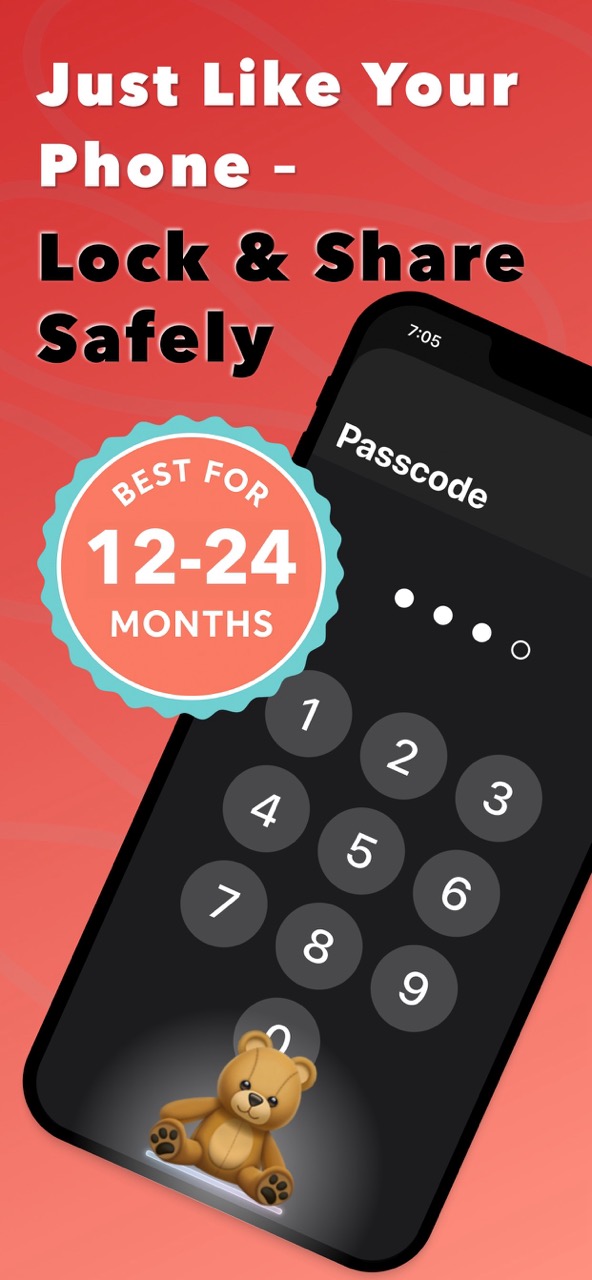
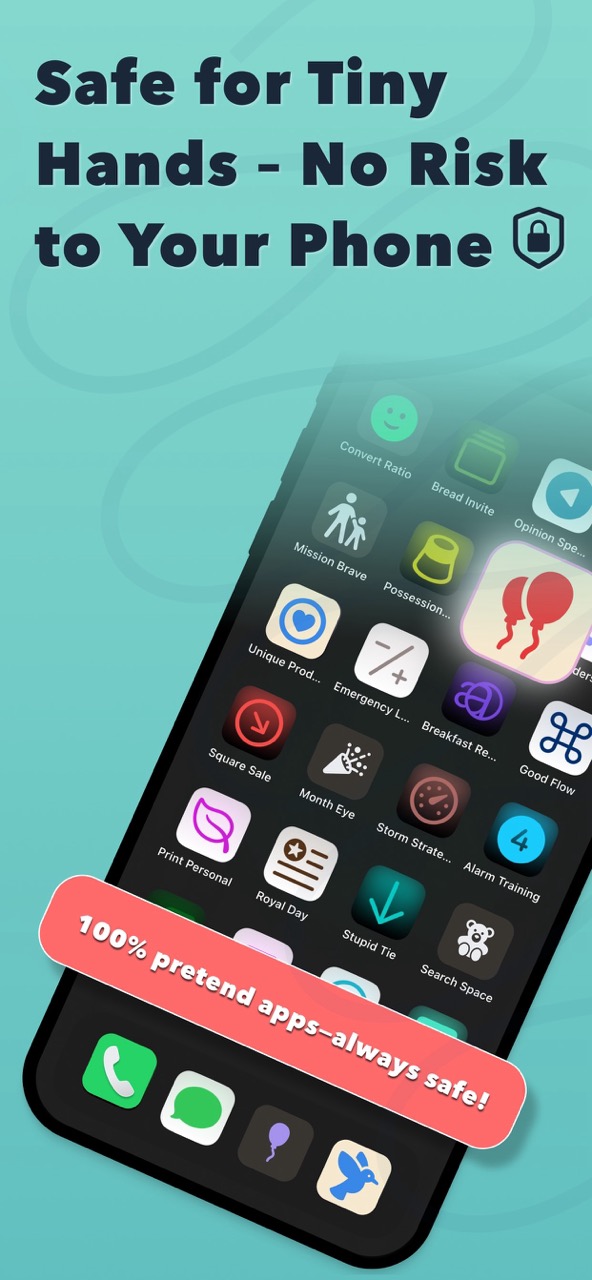
Real app visuals help parents understand the difference between an open phone and a bounded toddler-safe space before they try it.
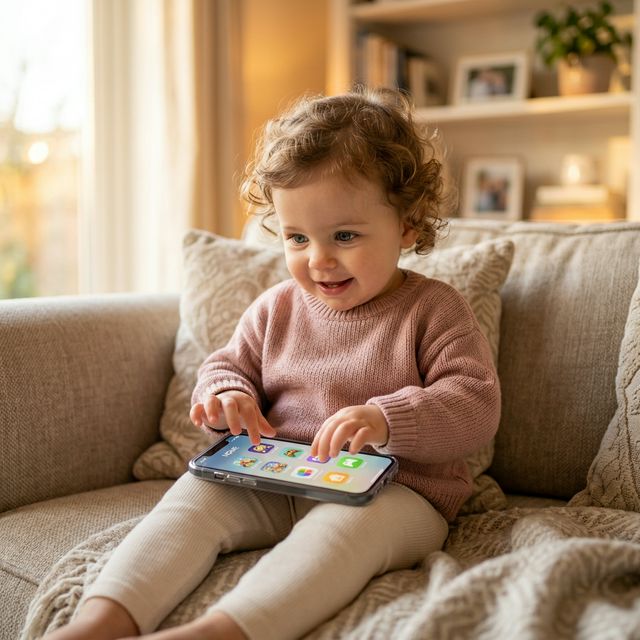
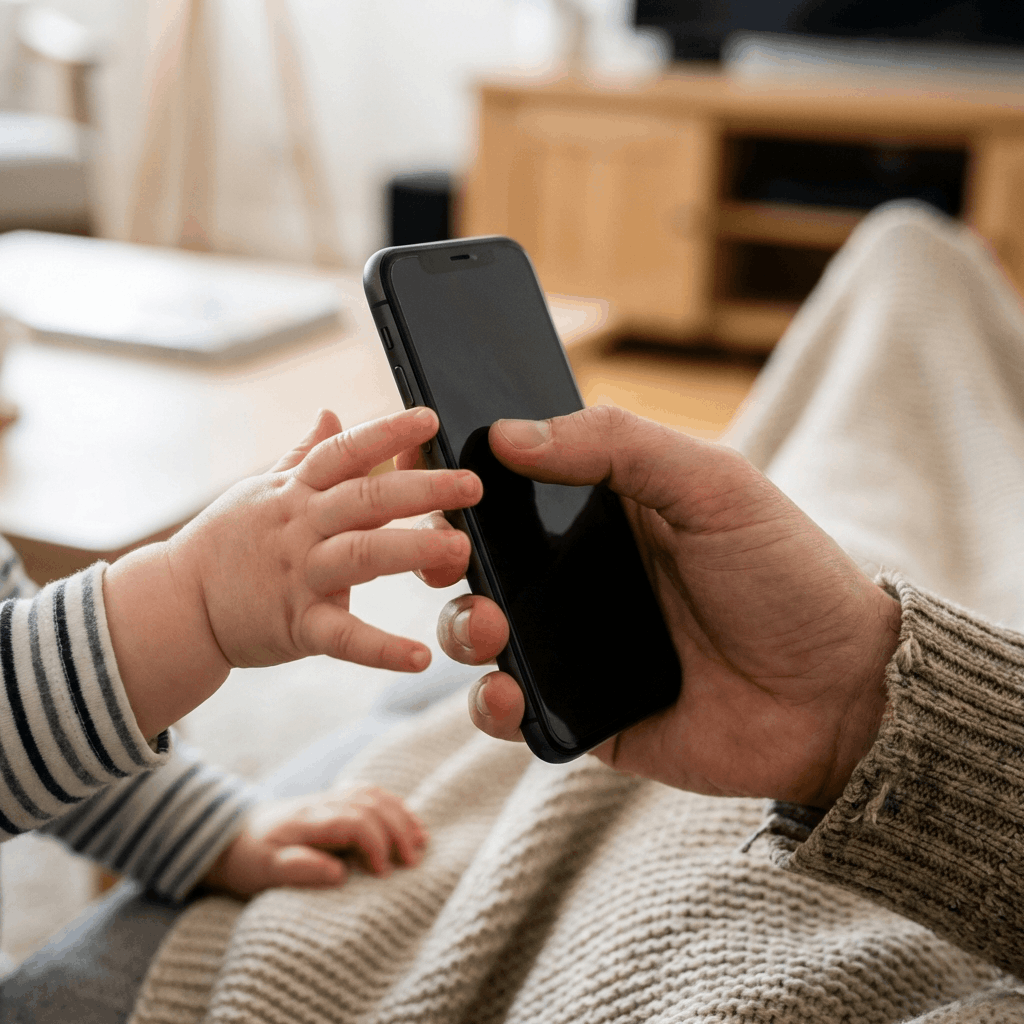
Every parent knows the “iPhone Grab.” You're checking an email, and suddenly your toddler has snatched the phone, swiped into your photos, and is three taps away from FaceTime-calling your boss at 7:00 PM.
If you are looking for a way to let your child explore your device without the risk of accidental calls, deleted data, or overstimulating content, you need a dedicated Toddler Lock app for iPhone.
In this guide, we'll show you how to transform your expensive smartphone into a safe, sensory-friendly toy using ToddlerLock as the safe starting point.
Why Standard “Kids Games” Aren't Always Enough
Most apps in the “Kids” category of the App Store are designed for older children who can navigate menus. For a 1- or 2-year-old, these apps often lead to frustration because:
- •Tiny “X” Buttons: Toddlers accidentally close the game or tap on ads.
- •In-App Purchases: A single stray tap can trigger a subscription pop-up.
- •Complex Menus: Babies don't want to “Select Level 1”; they just want to tap and see a reaction.
ToddlerLock was built to solve this by mimicking the one thing toddlers love most: The real iPhone Home Screen.
Key Features of ToddlerLock for iPhone
Unlike a standard game, ToddlerLock creates a “Fake Home Screen” environment. It looks exactly like your real phone, but it's a completely safe sandbox.
1. Realistic Interaction (Without the Risk)
Toddlers are smart—they want the “real” phone. ToddlerLock features a realistic pretend interface where icons react to taps, swipes, and shakes with gentle haptics and soothing sounds. No real apps are opened, and no data is changed.
2. Built-in Sensory Play
The app is designed around early childhood development principles. It features:
- •High-Contrast Visuals: Perfect for developing infant eyesight.
- •Cause-and-Effect: Every touch produces a predictable, calming reaction.
- •No Overstimulation: Unlike chaotic cartoons, the app focuses on slow-tech, minimalist engagement.
3. Total Lockdown (The “Parental Gate”)
When you use ToddlerLock in combination with iOS Guided Access enabled, your phone becomes a literal vault. Your child cannot swipe up to close the app, pull down the notification center, or adjust the volume unless you allow it.
How to Set Up Your iPhone Toddler Lock
Setting up a secure environment takes less than a minute. Follow these steps to ensure “Fort Knox” levels of safety:
Step 1: Enable Guided Access
- •Go to Settings > Accessibility.
- •Scroll down to Guided Access and toggle it ON.
- •Tap Passcode Settings to set a specific code (different from your phone's unlock code) to exit the mode.
Step 2: Open ToddlerLock
Launch the ToddlerLock app. Because the app mimics a real Home Screen, your toddler will feel like they finally “won” the phone.
Step 3: Triple-Click to Lock
- •Triple-click the Side Button (or Home Button on older models).
- •Tap Start in the top right corner.
- •Your iPhone is now officially in “Toddler Mode.” They can tap and swipe to their heart's content, and nothing—absolutely nothing—will happen to your actual phone settings.
Benefits of Using a Dedicated Screen Lock
- •Peace of Mind: You can finally hand over your phone while waiting at the doctor's office or on an airplane without hovering over their shoulder.
- •Zero Ads: ToddlerLock is 100% ad-free. No accidental clicks on banners or “Buy Now” buttons.
- •Offline Use: No internet is required, making it the perfect travel companion for road trips.
What to Look for in a Toddler Lock App
The best toddler lock app should solve two problems at the same time: the child's desire to explore and the parent's need to protect the phone. If an app only entertains, but does not help you keep the device secure, it is not really a toddler lock. If it only locks the device, but gives the child nothing satisfying to do, they will keep fighting to escape.
Look for an experience that is simple enough for pre-readers, calm enough for short transitions, and compatible with iOS Guided Access support. Avoid apps that rely on external links, ad banners, tiny close buttons, or confusing parent gates. A toddler will not read instructions, so the interface has to communicate through size, rhythm, and predictability.
If your child needs an even slower sensory experience, my related app BabyScroll is another low-stimulation option focused on simple visual exploration rather than open feeds or noisy games.
- •Safe by default: No real calls, no real messages, no real app launching, and no open web.
- •Designed for tiny hands: Large tap targets and immediate feedback make the app usable before a child can read.
- •Built for parent peace: The parent should be able to start the app, lock it, and understand exactly what can happen next.
Common Mistakes Parents Make When Locking an iPhone
The most common mistake is assuming that an app's “kids mode” is the same as a true device lock. Many apps hide exits behind a long-press or a tiny parent button, but toddlers are patient experimenters. They will tap every corner, swipe every edge, and test every button. That is why iOS Guided Access matters.
Another mistake is waiting until the child is already upset. If the phone appears only during emergencies, it can become emotionally loaded. A better pattern is to introduce the safe app during calm moments first, then use it during harder transitions once the child knows what to expect.
Conclusion: Digital Safety Starts Early
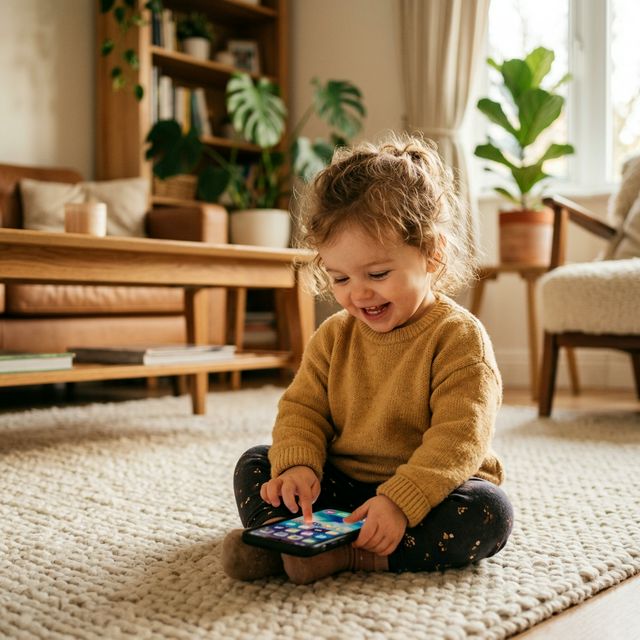
You don't need a separate “toy” phone that your child will eventually throw aside. With the ToddlerLock app for iPhone, you can leverage the technology you already own to provide a safe, educational, and high-quality sensory experience for your little explorer.
Ready to try it out? Download ToddlerLock on the App Store and see the difference a secure “Kids Mode” makes.
FAQ
What is the best toddler lock app for iPhone?
The best choice is an app that combines toddler-friendly play with iOS Guided Access. ToddlerLock is built around that pattern, using a pretend Home Screen instead of giving access to real apps.
Can I lock my iPhone so my toddler cannot exit an app?
Yes. Apple's Guided Access feature locks the iPhone into one app until you triple-click the side button and enter your passcode or use Face ID.
Is ToddlerLock for babies or older kids?
ToddlerLock is mainly designed for babies and toddlers who want to tap and mimic a real phone, especially around ages 1 to 3.
Trusted references
Sources Worth Keeping Handy
I link to official support pages and reputable parenting or health resources when they help parents verify the safety steps behind the article.
Read next
Related Toddler Tech Guides

Share this article