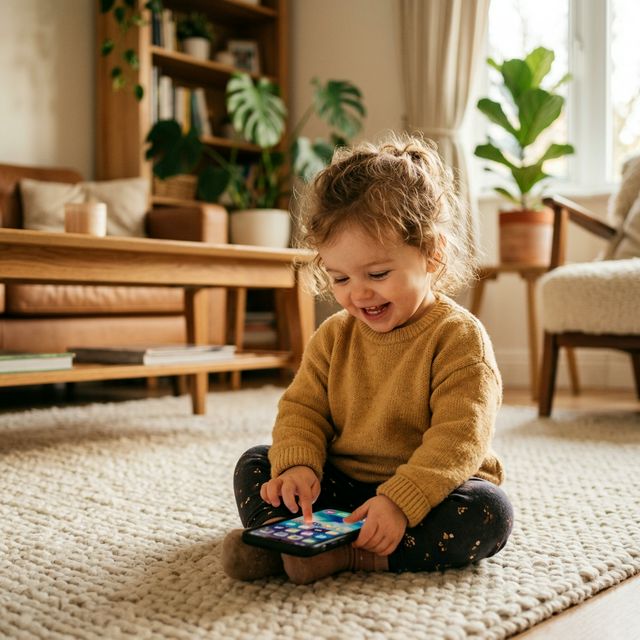
Toddler Tech Talk
Best Free Game Apps for Toddlers
Finding the right free game apps for toddlers is like digital grocery shopping—you’re looking for high-quality ingredients (education), zero "empty calories" (ads), and a safety seal that actually works. In 2026, the app market is crowded, but not all "free" apps are created equal. To save you from the "trial and error" of the App Store, we’ve curated a list of the best apps that focus on sensory development, early logic, and—most importantly—keeping your phone safe from "toddler chaos."
App preview
Use app previews to judge safety before handing over your phone
Real app visuals help parents understand the difference between an open phone and a bounded toddler-safe space before they try it.
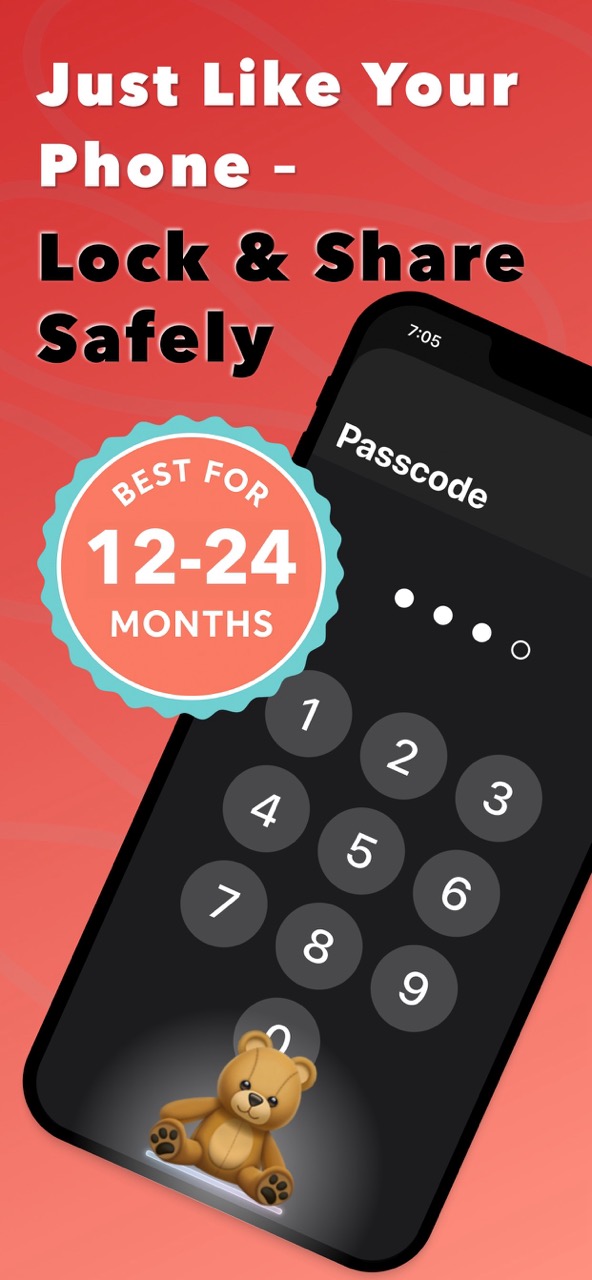
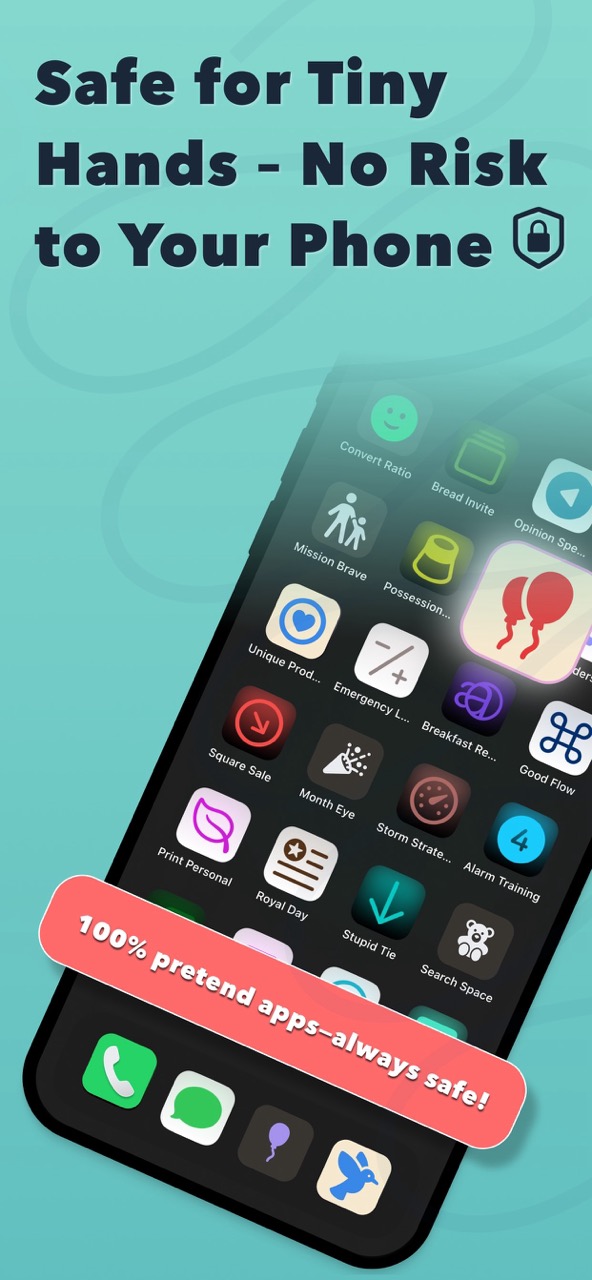
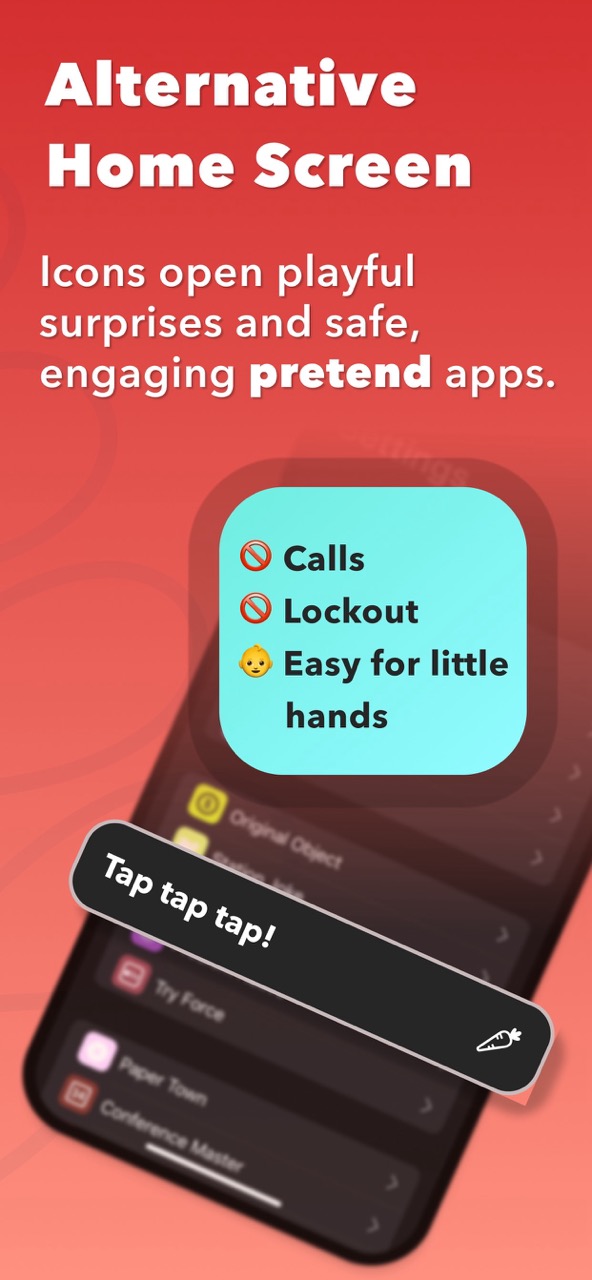
1. ToddlerLock: The Ultimate "Fake" Phone Experience
Most toddlers don't actually want a "game" - they want your phone. They want to tap the icons, see the colors, and feel like they’re "working" just like you. ToddlerLock is a game-changer for parents. It turns your device into a safe, pretend home screen filled with interactive icons.
- •Why it’s a winner: It uses high-contrast visuals and gentle haptics that satisfy a child’s curiosity without the risk of them calling your boss or deleting your photos.
- •The Safety Factor: When used with iOS Guided Access enabled, it creates a secure digital sandbox that toddlers cannot exit.
It’s the perfect "first app" for babies and toddlers who love to tap and swipe. Learn more: https://toddlerlock.app
If you’re looking for a completely free, robust educational powerhouse, this is it. Khan Academy Kids offers thousands of activities, books, and games for ages 2–8.
- •Key Feature: 100% free with no ads and no subscriptions.
- •Focus: Literacy, math, and social-emotional skills through adaptive learning paths.
Featuring familiar faces like Daniel Tiger and Curious George, PBS KIDS Games is a gold mine for preschoolers.
- •Key Feature: Many of the games are designed to teach "real-world" skills, like morning routines or helping friends.
- •Focus: Problem-solving and emotional intelligence through character-driven storytelling.
While LEGO DUPLO WORLD has a subscription model, the free "Number Train" is a fan favorite. It’s an open-ended "digital toy" that encourages toddlers to build and explore at their own pace.
- •Key Feature: 3D "virtual bricks" that feel remarkably like the physical toys.
- •Focus: Fine motor skills and spatial awareness.
Designed specifically for the youngest "players" (ages 1–2), BabyPhone focuses on sensory exploration. It’s a "slow-tech" alternative to high-energy cartoons.
- •Key Feature: High-contrast patterns that help with visual tracking and cause-and-effect learning.
- •Focus: Calming, repetitive play that avoids overstimulation.
For a related low-stimulation visual play app, see BabyScroll too.
Quick Comparison of Toddler Apps
| App Name | Primary Benefit | Best Age | Cost |
|---|---|---|---|
| ToddlerLock | Device Safety & Mimicry | 1–3 | Free Trial |
 Khan Academy Kids Khan Academy Kids | Academic Learning | 2–8 | 100% Free |
 PBS Kids Games PBS Kids Games | Social Skills | 2–5 | Free |
 LEGO DUPLO LEGO DUPLO | Creative Play | 2–4 | Freemium |
 BabyPhone BabyPhone | Sensory Development | 0–2 | Free Trial |
How We Chose These Free Toddler Apps
A “free toddler app” is only useful if the free experience is meaningful. Some apps are technically free to download but immediately push a subscription, ads, or locked content. For this guide, we looked for apps that give families a real way to try the experience before paying, or that are genuinely free with no ad-supported catch.
We also prioritized apps that solve different parent needs. Some families need academic learning. Some need calm sensory play. Some need a safe phone-like experience for a child who wants to copy adults. Comparing these apps only by “educational value” misses the point: the best app is the one that fits the moment you are actually in.
- •Safety: No obvious ad traps, confusing exits, or pressure to tap through purchase screens during toddler play.
- •Developmental fit: Activities should make sense for toddlers and preschoolers, not only older children who can read instructions.
- •Parent usefulness: The app should help during a real family situation: travel, waiting rooms, meals, chores, or short transitions.
How to Ensure Safe Screen Time for Toddlers
Even with the best free game apps for toddlers, safety is a priority. Here are three tips for a worry-free experience:
- •Enable Guided Access: Lock your child into the app so they can't accidentally navigate to your settings or contacts.
- •Choose "Slow Tech": Opt for apps with minimalist sounds and gentle transitions to avoid overstimulation.
- •Monitor Engagement: Screen time is most effective when it’s a shared experience. Talk to your toddler about the shapes and colors they see!
Conclusion
Whether you need a few minutes of peace or a way to teach your child early logic, these apps provide a safe, engaging environment. For the ultimate peace of mind, start with ToddlerLock to ensure your personal data stays safe while your little one explores.
FAQ
Are free toddler apps really free?
Some are fully free, like Khan Academy Kids and PBS KIDS Games are fully free. Others are free to download with limited content, trials, or optional paid upgrades.
What is the safest type of game app for toddlers?
The safest apps avoid ads, external links, autoplay feeds, and tiny exit buttons. For iPhone, pairing a toddler app with Guided Access adds another layer of safety.
Which app is best for a 1-year-old?
One-year-olds usually do best with simple sensory or mimicry play. Apps that require reading, levels, or complex instructions are usually better for older toddlers.
Trusted references
Sources Worth Keeping Handy
I link to official support pages and reputable parenting or health resources when they help parents verify the safety steps behind the article.
Read next
Related Toddler Tech Guides
Share this article