Toddler Tech Talk
Passive vs. Active Tech: Choosing Toddler Apps in the Age of AI
As we move through 2026, the screen time debate has evolved. It is no longer just about how long your child is on a device, but what the device is doing to their brain.
As we move through 2026, the screen time debate has evolved. It is no longer just about how long your child is on a device, but what the device is doing to their brain. With the rise of Generative AI and adaptive learning, the line between helpful education and passive consumption has blurred.
For parents, the goal is now AI-Ready Parenting: fostering a child's ability to think critically while protecting them from the infinite scroll of the modern web.
That matches the direction of the American Academy of Pediatrics screen time guidance reminds families to look beyond raw minutes and pay attention to content quality, co-use, routines, and whether media is replacing sleep, play, or connection.
What is Passive vs. Active Tech?
Not all digital experiences are created equal. Understanding the difference is the first step in future-proofing your child's development.
Passive Tech (The "Zombifying" Effect):
Think of autoplaying videos or apps that only require a child to tap a button to see a bright light. These create dopamine loops that prioritize entertainment over engagement.
Active Tech (The "Thinking" Tool):
These are apps where the child must solve a problem, respond to a prompt, or create something new. In 2026, AI-powered Socratic tutors are leading the way—asking your toddler Why? instead of just giving them the answer.
A Parent-Friendly Test for “Active” Apps
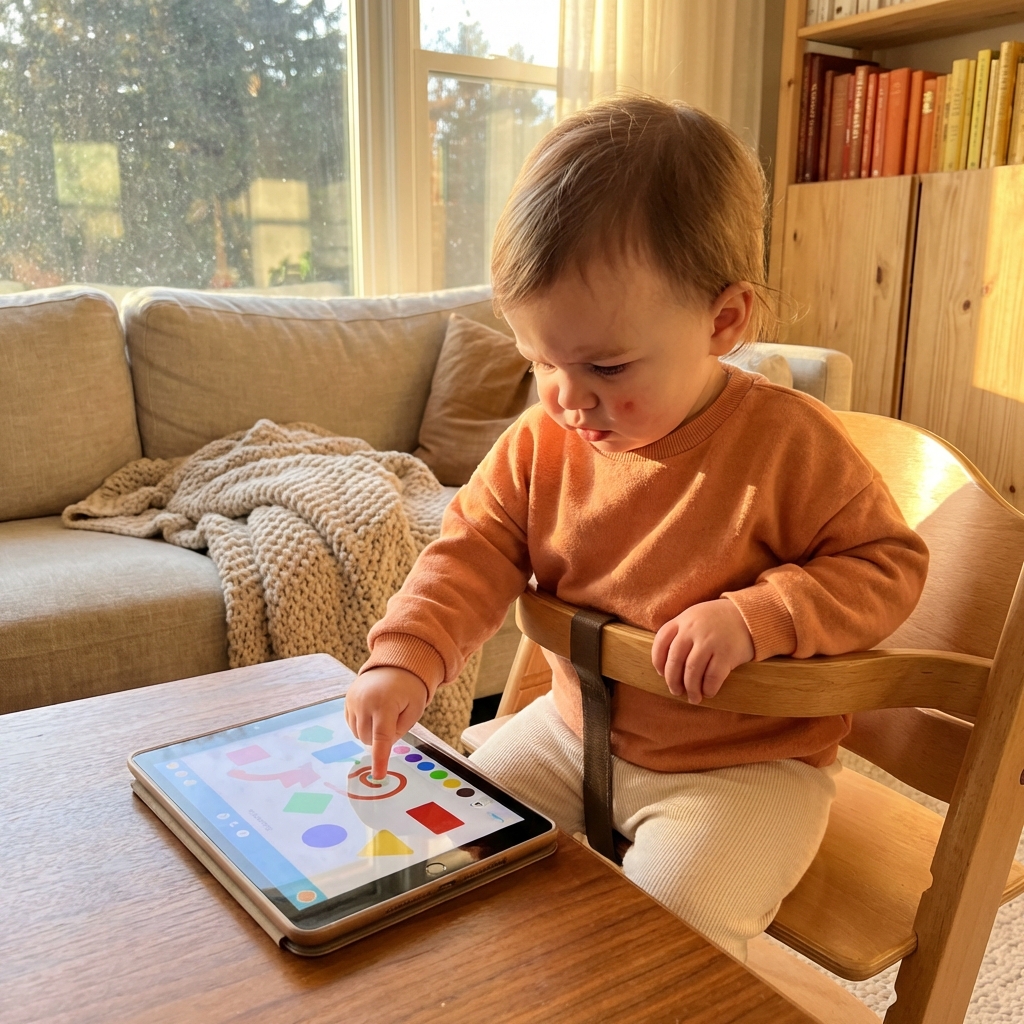
You do not need to be a child development expert to judge whether an app is active or passive. Sit with the app for two minutes and watch who is doing the work. If the app keeps moving without your child, it is probably passive. If the child has to choose, explore, match, build, repeat, or respond, it is more likely to be active.
The best toddler apps are not necessarily the most advanced. For very young children, simple cause-and-effect play can be more valuable than a sophisticated AI tutor. A tap makes a shape move. A drag places an object. A sound repeats predictably. These small interactions teach agency, timing, and attention without overwhelming the child.
A good active app also leaves room for the parent. You should be able to sit nearby and say, “You found the blue one,” or “That sound happened when you tapped.” If the app is so loud and busy that conversation feels impossible, it may not be supporting the kind of learning you want.
Why a "Walled Garden" is Critical for AI Exploration
The biggest risk of AI for toddlers is not the AI itself—it is the unfiltered access that often comes with it. Many high-quality educational AI tools exist on platforms that also host distracting ads, suggested videos, or unvetted content.
This is where the concept of a Walled Garden becomes a parent's best friend. By using a secure environment like ToddlerLock, you create a digital space where:
- •Exploration is Safe: Your child can interact with a vetted, AI-driven literacy app without accidentally clicking into a browser.
- •Focus is Guarded: By locking the device to a single Active app, you prevent the app-switching habit that erodes attention spans.
- •Security is Absolute: You ensure that your child's data is not being shared with third-party advertisers or unvetted AI models.
What AI-Ready Parenting Looks Like for Toddlers
AI-ready parenting does not mean putting toddlers in front of chatbots. It means teaching the habits they will need later: curiosity, patience, turn-taking, and comfort with tools that respond to them. At age 1 or 2, those habits are built through tiny interactions, not lectures.
A toddler who learns that technology can be calm, bounded, and purposeful is getting a better foundation than a toddler who learns that every screen is a slot machine. The goal is not to make children “tech advanced.” The goal is to help them experience technology as something they can use, pause, and leave.
Red Flags in AI and “Smart” Toddler Apps
The word “AI” can make an app sound educational, but parents still need to inspect the basics. Does the app explain what data it collects? Does it require an account for a toddler? Does it offer open-ended chat, generated content, or links outside the app? For very young children, the safest “smart” experience is usually narrow, predictable, and parent-controlled.
Be cautious with apps that advertise endless personalization but do not clearly explain their privacy practices. A toddler app does not need to know a child's full identity, location, contact list, or browsing behavior to provide good play. The best tools keep the experience local, simple, and transparent.
- •Open-ended generation: Avoid tools that can generate unpredictable text, images, or audio for toddlers without parent review.
- •Behavior tracking: Be careful with apps that monetize attention instead of clearly serving a child development goal.
- •Unclear exits: If you cannot tell how a toddler leaves, buys, or switches activities, the app may create extra work for you.
3 Tips for Safe Digital Exploration
How can you ensure your toddler is getting the most out of 2026's tech?
Prioritize "Contingent" AI:
Look for apps that provide contingent responses—meaning the app reacts specifically to what your child says or does. This mimics human interaction and speeds up language learning.
Verify Educational App Security:
Before downloading, check if the app is COPPA-compliant and does not use behavioral tracking.
Set the "Lock" Protocol:
Use ToddlerLock to set a clear boundary. When the app is locked with Guided Access enabled, it is play time. This makes transitions easier and keeps tech as a tool, not a constant companion.
FAQ: AI and Toddlers in 2026
Q: Is AI safe for a 3-year-old?
A: Yes, when it is Active Tech. Look for AI that encourages reading aloud (like virtual reading coaches) or problem-solving. Avoid AI that simply generates entertainment for them to watch.
Q: How do I stop my toddler from clicking out of educational apps?
A: Using an app like ToddlerLock with Guided Access for maximum safety is the most effective way. It prevents your child from exiting a safe, vetted app and entering your personal photos or the open web.
Q: Does active screen time count toward daily limits?
A: While active tech is better for the brain, the American Academy of Pediatrics still recommends limits and family routines. Still, 20 minutes of toddler-friendly game is vastly more beneficial than 20 minutes of passive video watching.
Conclusion: Building a Future-Ready Foundation
The toddlers of today will grow up in a world where AI is as common as electricity. By choosing Active Tech over passive consumption and securing their journey with a Walled Garden approach, you are not just protecting them—you are teaching them how to master the tools of the future.
Parent Checklist
- •Does the child initiate? Active tech should wait for the child more than it pulls the child forward.
- •Can the parent understand the goal? If the app's purpose is not clear to you, it will not be clear to a toddler.
- •Is there a clean exit? Good toddler tech should be easy to stop without a long negotiation.
A Balanced Way to Talk About Tech at Home
The language parents use around technology matters. If every screen is described as “bad,” children may become more secretive or more fascinated by it. If every screen is treated as a reward, it can become too powerful. A steadier message is: technology is a tool, and tools have rules.
For toddlers, those rules can stay simple. “This app is for tapping.” “This phone stays locked.” “When the timer is done, we put it away.” These phrases are not magic, but they help build a family culture where digital boundaries are normal instead of surprising.
Trusted references
Sources Worth Keeping Handy
I link to official support pages and reputable parenting or health resources when they help parents verify the safety steps behind the article.
Read next
Related Toddler Tech Guides

Share this article