Toddler Tech Talk
The Dopamine Loop: Why YouTube Kids is Making Your Toddler Grumpy
Not all screen time is created equal. See how "High-Stim" apps trigger meltdowns — and how "Mimicry Play" keeps things calm.
Have you ever noticed that when you take the iPad away after a session of "High-Stim" videos (you know the ones - fast cuts, neon colors, screaming soundtracks), your toddler has a total meltdown?
It's not just "toddlers being toddlers." It's biology.
Most kids' apps and video platforms are designed to trigger constant hits of dopamine. They use rapid scene changes (sometimes every 1-2 seconds!) to hook a child's attention. When the screen turns off, that dopamine drops, leaving your child's nervous system feeling "crashed" and irritable.
That is why reputable parent-health resources, including the Mayo Clinic's screen time guidance emphasizes quality, limits, and parent involvement rather than treating every screen minute as the same.
I built ToddlerLock to be the antidote to that crash.
The Comparison: High-Stim vs. Healthy Mimicry
Why "Mimicry" is Better Than "Gaming"
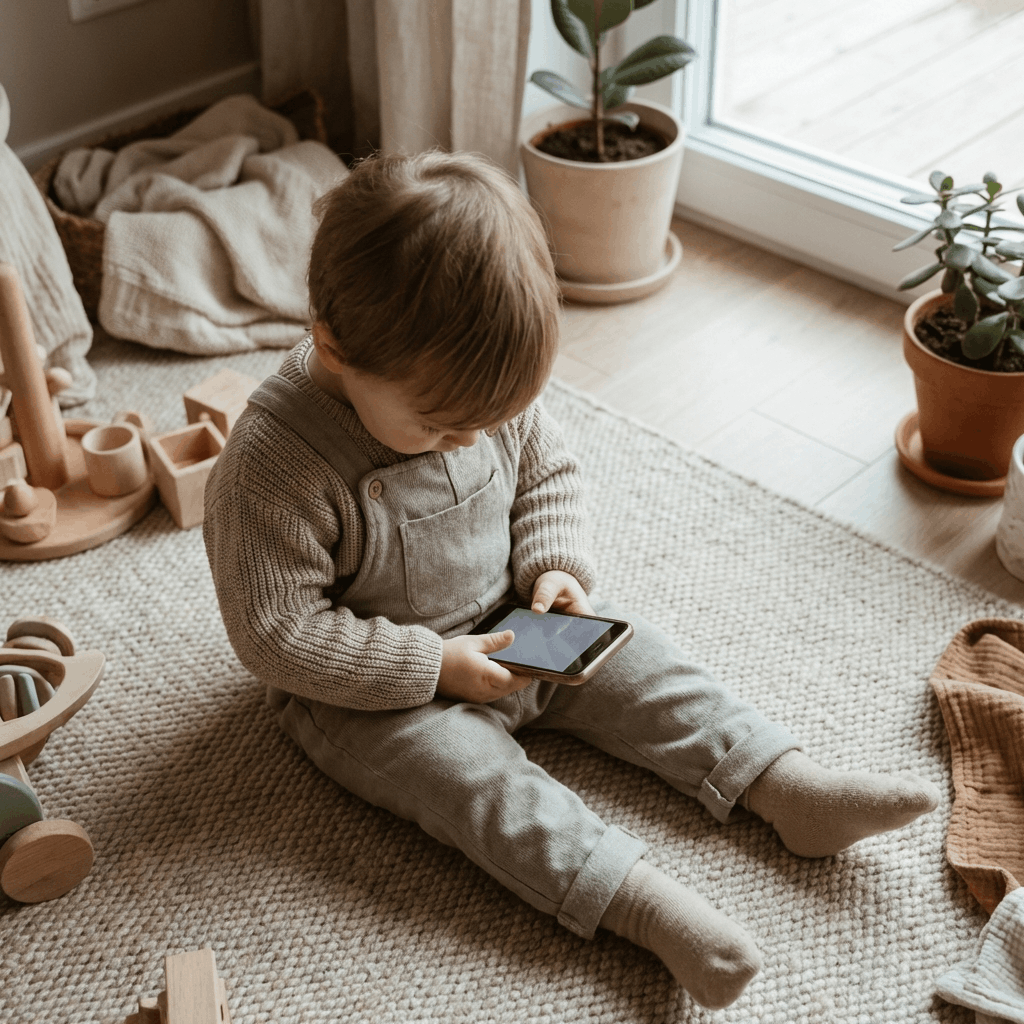
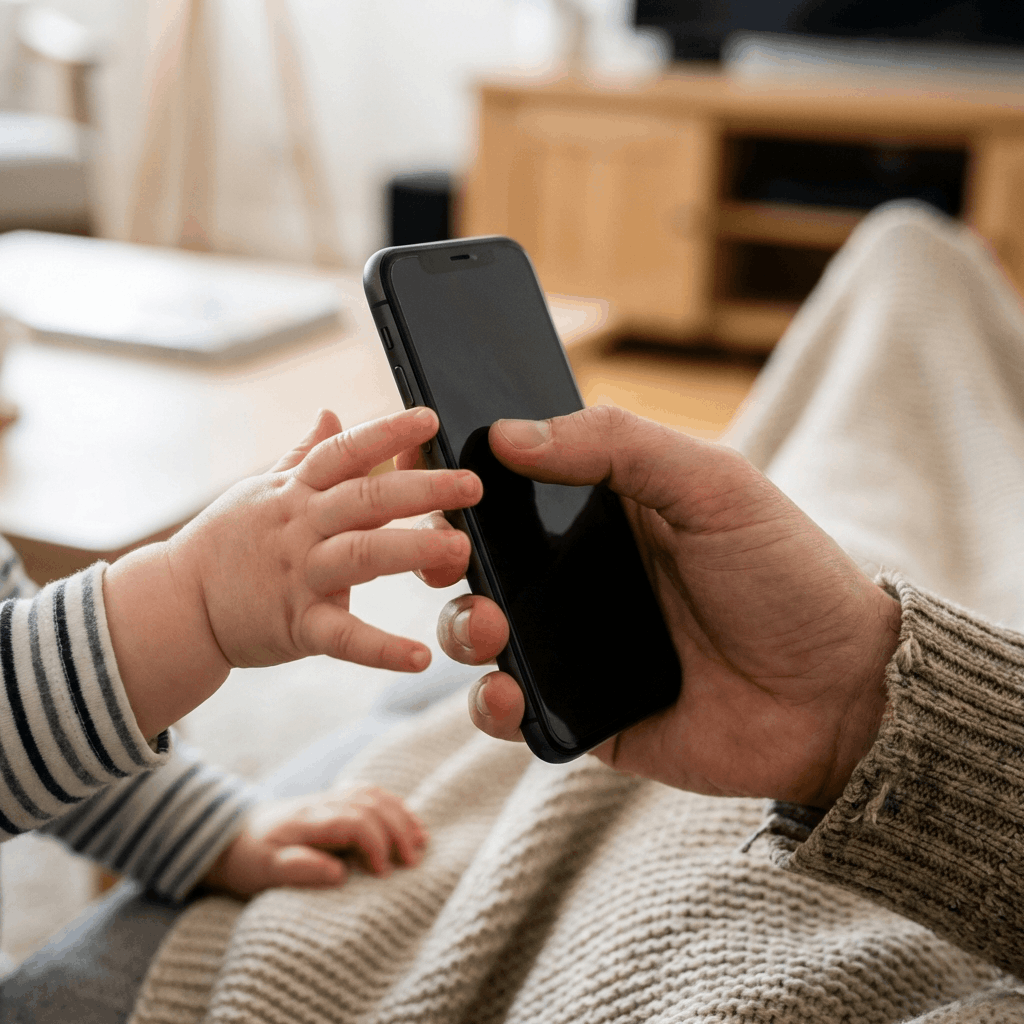
At age 1 or 2, your baby doesn't actually need to "level up" in a digital game. What they want most in the world is to do what you do. They see you using your iPhone home screen every day. It's the most interesting "toy" in the house.
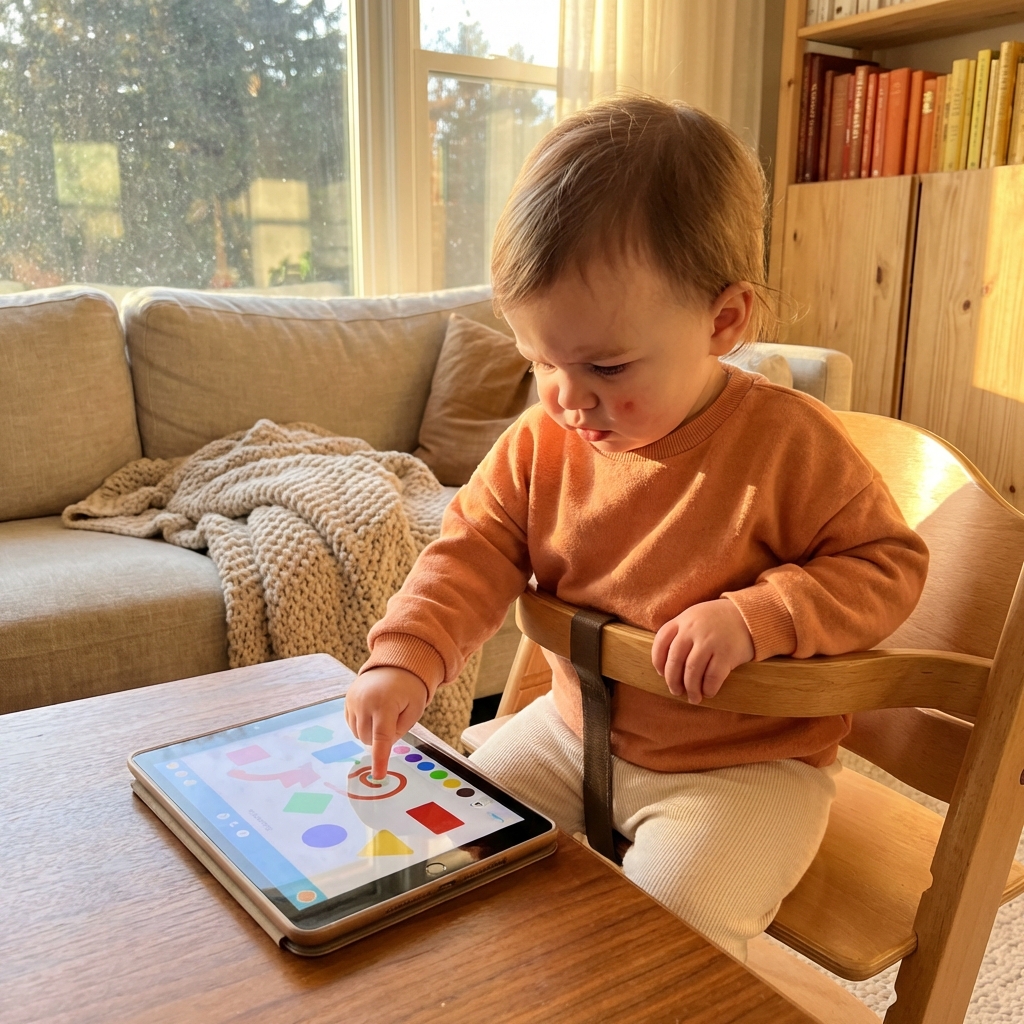
By mimicking that home screen, ToddlerLock satisfies their curiosity without overstimulating them. They feel like they are "working" just like Mama or Papa, which builds confidence rather than just craving the next flashy animation.
What High-Stimulation Content Looks Like in Real Life
High-stimulation toddler content is not always obvious from the app icon. It can look friendly, educational, and colorful, while still relying on the same attention tricks: constant motion, loud reactions, fast cuts, surprise rewards, and “one more” prompts that make stopping feel painful.
A useful test is to watch thirty seconds with the sound on. If you feel your own body tense up, if scenes change faster than you can name what is happening, or if every tap triggers a celebration, your toddler's nervous system is probably working hard too. That does not make the content “bad,” but it does mean it should be used carefully, especially before meals, naps, bedtime, or daycare drop-off.
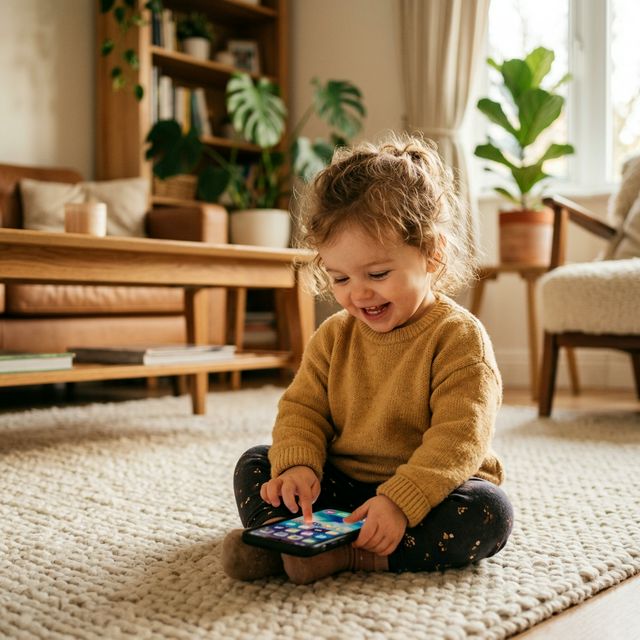
Low-stimulation mimicry play has a different rhythm. The child initiates the action. The app responds simply. Nothing demands that the child keep going forever. That is closer to a set of blocks than a slot machine: there is still digital feedback, but the child is not being dragged through a content stream.
No Ads, No "Next Up," No Panic
When a toddler is on YouTube, the "Next Up" algorithm is always lurking. One accidental tap and they've moved from a nursery rhyme to a bizarre, loud toy-unboxing video.
With ToddlerLock, there is no "Next." There are no ads. And because we use Guided Access keeps the phone locked in place, so there is no way for them to exit the app and find your work emails.
How to Make Screen Transitions Less Dramatic
The hardest part of toddler screen time is often not the screen itself. It is the end. A child who has been watching fast video may experience the stop as a sudden loss of stimulation. A child who has been tapping through a predictable pretend environment is more likely to accept a parent-led transition because the play was calmer from the beginning.
- Name the limit first: Say “two more taps” or “one more minute” before ending the session.
- Offer a next action: Move directly into snack, shoes, bath, books, or another predictable routine.
- Avoid negotiation inside the app: End the Guided Access session calmly, then put the phone physically away.
The "Safe Screen" Checklist
Next time you hand over your phone, ask yourself:
- Is it fast? If the scenes change faster than your child can describe them, it's too fast.
- Can they stay in? If one "miss-tap" takes them to a browser or an ad, it's not a playpen - it's a trap.
- Does it look familiar? If it looks like a neon casino, it will act like one.
ToddlerLock was built to pass all three of these tests. It's the calm, secure, and familiar space your toddler — and your nervous system — deserves.
A Better “First Screen” Rule for Young Toddlers
For a 1- or 2-year-old, the first screen should feel closer to a household object than a show. A spoon, a set of keys, a stack of cups, or a parent's phone is interesting because the child can test it. What happens if I tap? What happens if I swipe? What happens if I do the thing Mama or Papa does?
Video answers every question before the child can ask it. Mimicry play leaves space for the child's own action. That difference matters because toddlers are still learning how attention feels in their body. Calm technology gives them practice with agency. High-stimulation technology often gives them practice with craving.
This does not mean every family has to ban video. It means video should not be the default “phone handoff” tool for every small moment. If your toddler is curious about your device, start with a locked, familiar, low-stimulation space first. Save video for moments when you can choose the content, sit nearby, and end it with a plan.
FAQ
Is YouTube always bad for toddlers?
No, but autoplay video is harder to control than a single-purpose app. Short, parent-selected videos can be fine; endless recommendations are where many families see trouble.
Why does my toddler melt down when the video stops?
Fast content can create a strong stimulation loop. When it ends suddenly, the nervous system has to downshift quickly, which can look like anger or panic.
What should I look for in a calmer toddler app?
Look for child-led pacing, no ads, no open web, no autoplay feed, and a way to lock the child safely inside the experience with Guided Access.
Trusted references
Sources Worth Keeping Handy
I link to official support pages and reputable parenting or health resources when they help parents verify the safety steps behind the article.
Read next
Related Toddler Tech Guides
Share this article