Toddler Tech Talk
Best Offline Toddler Apps for Safe & Ad-Free Play (2026 Guide)
A parent-tested guide to offline toddler apps that work without Wi-Fi, avoid ads, reduce accidental exits, and keep screen time calmer.
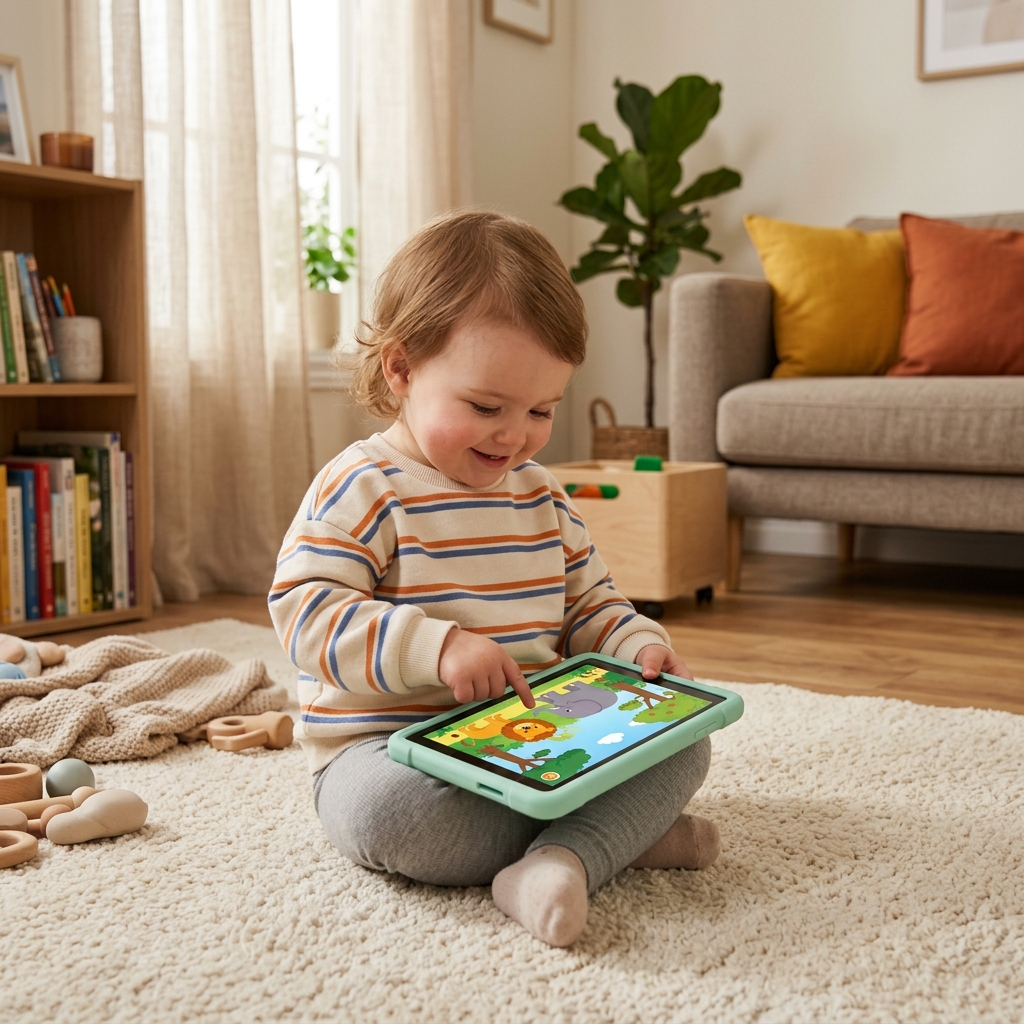
Every parent knows the scene: you are in the grocery store, on a plane, or trying to finish a five-minute call, and your toddler suddenly wants your phone. The risky part is not only the screen. It is what happens around the screen: ads, autoplay, tracking, accidental purchases, and the famous toddler swipe that somehow lands inside your email.
In 2026, the smarter strategy is not shame or panic. It is a safer setup. Offline-first apps, paired with device locks like Guided Access, can turn a chaotic phone handoff into a calmer, bounded play moment.
Quick answer
The best offline toddler apps are apps that work in Airplane Mode, do not depend on ads or autoplay, avoid open web links, and let your child interact at their own pace. For iPhone families, the safest setup is an offline app plus Apple Guided Access. For Android families, use Android screen pinning. The app matters, but the boundary around the app matters just as much.
Why Offline Matters More Than You Think
Many parents hear "offline" and think only about airplanes, road trips, or spotty Wi-Fi. But for toddlers, offline play also removes many of the things that make digital experiences feel unsafe: ad networks, surprise videos, external links, real-time recommendations, and endless feeds. A good offline app is closer to a toy on a shelf. It can still be used too much, but it does not keep changing shape every time your child taps it.
This matters because toddlers do not understand the difference between a friendly button, a paid upgrade, an ad, and a link that leaves the app. They just see something bright and tappable. When the app is offline-first and locked into place, parents can make the environment simpler: one app, one purpose, one boundary.
It also supports a healthier routine. The American Academy of Pediatrics encourages families to think about screen time in context: content quality, parent involvement, and balance with sleep, movement, and real-world play. Offline apps do not magically solve screen time, but they make it much easier to choose intentional content instead of whatever the algorithm serves next.
| Feature | Online Apps | Offline-First Apps |
|---|---|---|
| Privacy risk | May rely on tracking, accounts, or network requests | Can work without sending toddler activity online |
| Ads and pop-ups | Common in free kids apps and video platforms | Easier to keep ad-free and predictable |
| Play flow | Often optimized for more taps, more videos, more time | More likely to feel bounded and parent-controlled |
| Travel readiness | Can fail without Wi-Fi or mobile data | Works in Airplane Mode, airports, cars, and waiting rooms |
The Best Offline Toddler Apps to Consider in 2026
No app is perfect for every child. A newly walking 14-month-old needs a very different experience from a curious 3-year-old who can follow multi-step play. The list below is not about stuffing a device with more entertainment. It is about building a small, intentional library for moments when you need a calm reset.
1. ToddlerLock: best for safe mimicry play
ToddlerLock is built around a simple toddler truth: many little kids do not want a loud cartoon game. They want to do what you do. ToddlerLock mimics the familiar feel of the iPhone home screen in a low-stimulation way, then relies on Guided Access so your child stays inside the safe zone. It is a strong fit for 1- and 2-year-olds who want to tap, explore, and imitate without being pushed into videos or ads.
2. Khan Academy Kids: best free educational library
Khan Academy Kids is one of the strongest free educational options for families who want stories, early literacy, and learning activities. It is better for preschool-aged children than very young toddlers, but it belongs in the conversation because it has a trusted education brand and a broad content library.
3. PBS KIDS Games: best familiar character option
PBS KIDS Games can be useful for older toddlers and preschoolers who already recognize PBS characters. The advantage is familiarity and educational intent. The parent job is to download the right content ahead of time and check how the app behaves before using it in a travel or waiting-room moment.
4. Sago Mini World: best open-ended pretend play
Sago Mini World is known for gentle, imaginative play. It is not the smallest app, and parents should review its subscription model, but its best moments are open-ended rather than feed-based. That makes it a better fit than passive video when your toddler is ready for pretend play.
5. Toca Boca Jr: best creative sandbox for older toddlers
Toca Boca Jr is another creative-play option that works best when a child is ready for more complex pretend scenarios. It is usually more appropriate for older toddlers and preschoolers than for a 12-month-old, but it earns a place because it rewards exploration more than passive watching.
6. LEGO DUPLO WORLD: best building-style app
LEGO DUPLO WORLD can be a good match for children who already enjoy building, sorting, and cause-and-effect play. As with every app here, test it offline before the moment you need it. Do not discover at Gate B12 that the activity your child likes requires a download.
7. BabyScroll: best sibling-friendly low-stimulation browsing alternative
BabyScroll is another app from my ecosystem, designed around calmer visual interaction instead of chaotic feeds. I think of it as useful for families who want a gentler alternative to random scrolling, especially when a child is curious about touch and movement but not ready for open web content.
The Offline App Safety Scorecard
Before an app earns a permanent place on your toddler device, score it like a parent, not like an app store reviewer. A five-star rating does not tell you whether a toddler can escape the app, whether the app asks for an account, or whether the first tap opens a purchase screen.
Works in Airplane Mode
Download the app, turn on Airplane Mode, and test the exact activity your child will use. If the best part disappears offline, it is not a reliable travel app.
No Ads or External Links
Avoid apps that place ads, web links, or promotional buttons near toddler-sized tap targets. One accidental tap should not leave the play space.
Low-Stimulation Pacing
Look for slow transitions, gentle sound, and child-led interaction. If the app feels like a neon casino, it will probably behave like one.
Device Lock Compatible
On iPhone, test it with Guided Access. On Android, test it with screen pinning. The operating system boundary is what turns a good app into a safer station.
3 Essential Steps for a Safe Offline Station
Even the best offline app cannot stop a toddler from accidentally swiping out and calling your boss. To turn your device into a true toddler station, use this setup before you hand over the phone.
Step 1: Build a small app library on Wi-Fi
Choose three to five apps that serve different needs: one mimicry app, one calm educational app, one creative app, and one familiar-character app if your child responds well to characters. Open each app once, complete any setup, download offline content, and remove apps that ask for too many permissions.
Step 2: Turn on Airplane Mode before the handoff
Airplane Mode is not a complete child lock, but it removes a whole category of risk. It prevents surprise network loading, reduces tracking, and makes the session more predictable. Think of it as closing the playground gate before your child starts exploring.
Step 3: Lock the device into one app
On iPhone, use Guided Access. On Android, use screen pinning. This is the step that parents often skip, and it is usually the step that prevents the most chaos. If you use ToddlerLock, open the app, triple-click the side button, start Guided Access, and then hand the phone over.
If you want the full walkthrough, read How to lock your iPhone: A Guide to Guided Access or watch the dedicated Guided Access instructions video.
What Parents Should Avoid
A toddler-safe app setup is as much about removing bad options as adding good ones. I would be cautious with apps that depend on autoplay, apps that push subscriptions before play begins, apps with visible browser links, and apps that mix kids content with general video recommendations. The FTC children's privacy resources are a helpful reminder that children under 13 deserve extra care around data collection and online services.
Also be careful with apps that are technically educational but emotionally intense. If the pacing is frantic, if the reward sounds are constant, or if the app punishes normal toddler mistakes, it may create more dysregulation than learning. For more on this difference, see YouTube vs. ToddlerLock: Why Your Toddler's Brain Prefers the Mirror.
Offline Apps Are a Tool, Not a Babysitter
I built ToddlerLock because I do not think parents need more guilt. We need better tools. Sometimes you need ten quiet minutes in a waiting room, on a plane, or while dinner is burning in the background. A safer app setup can give you that minute without opening the whole internet to a one-year-old.
Still, the best screen time is bounded. Sit nearby when you can. Narrate what your child is doing. Use short sessions. Give a transition warning before taking the device back. Pair the app with real-world toys, snacks, books, and movement. The goal is not to make the phone irresistible. The goal is to make the phone less risky when real life requires a little help.
Frequently Asked Questions
What is the best offline toddler app for iPhone?
For very young toddlers who want to copy a parent's phone, ToddlerLock is the safest fit because it is low-stimulation and designed to work with iPhone Guided Access. For older toddlers and preschoolers, Khan Academy Kids, PBS KIDS Games, Sago Mini World, Toca Boca Jr, and LEGO DUPLO WORLD can all be worth testing depending on your child's age and attention style.
Are offline apps actually educational?
Some are. The strongest educational apps encourage naming, matching, pretend play, early literacy, spatial reasoning, and cause-and-effect exploration. The weakest ones simply play videos without Wi-Fi. Look for child-led interaction rather than passive watching.
Is Airplane Mode enough to keep my toddler safe?
No. Airplane Mode helps by cutting off network access, but it does not stop your child from leaving the app, opening photos, changing settings, or tapping around the device. Pair Airplane Mode with Guided Access on iPhone or screen pinning on Android.
How do I stop my toddler from exiting an app?
On iPhone, enable Guided Access in Accessibility settings, open the app, triple-click the side button, and tap Start. On Android, enable screen pinning and pin the app before handing over the phone. These operating system tools are more reliable than in-app "child lock" buttons.
Are free toddler apps safe?
Some free toddler apps are excellent, but free apps can also rely on ads, tracking, upsells, or external links. Before using one with your child, test it offline, check privacy settings, review in-app purchases, and make sure the app still works when the phone is locked into a single app.
Final Takeaway
The safest toddler app setup is simple: choose calm offline apps, turn on Airplane Mode, lock the device into one app, and keep sessions short. If your toddler mainly wants your phone because they want to copy you, start with ToddlerLock. If you are building a wider app library, add only apps that pass the offline, ad-free, low-stimulation, and lock-compatible test.
Trusted references
Sources Worth Keeping Handy
I link to official support pages and reputable parenting or health resources when they help parents verify the safety steps behind the article.
Read next
Related Toddler Tech Guides
Share this article